
Overview
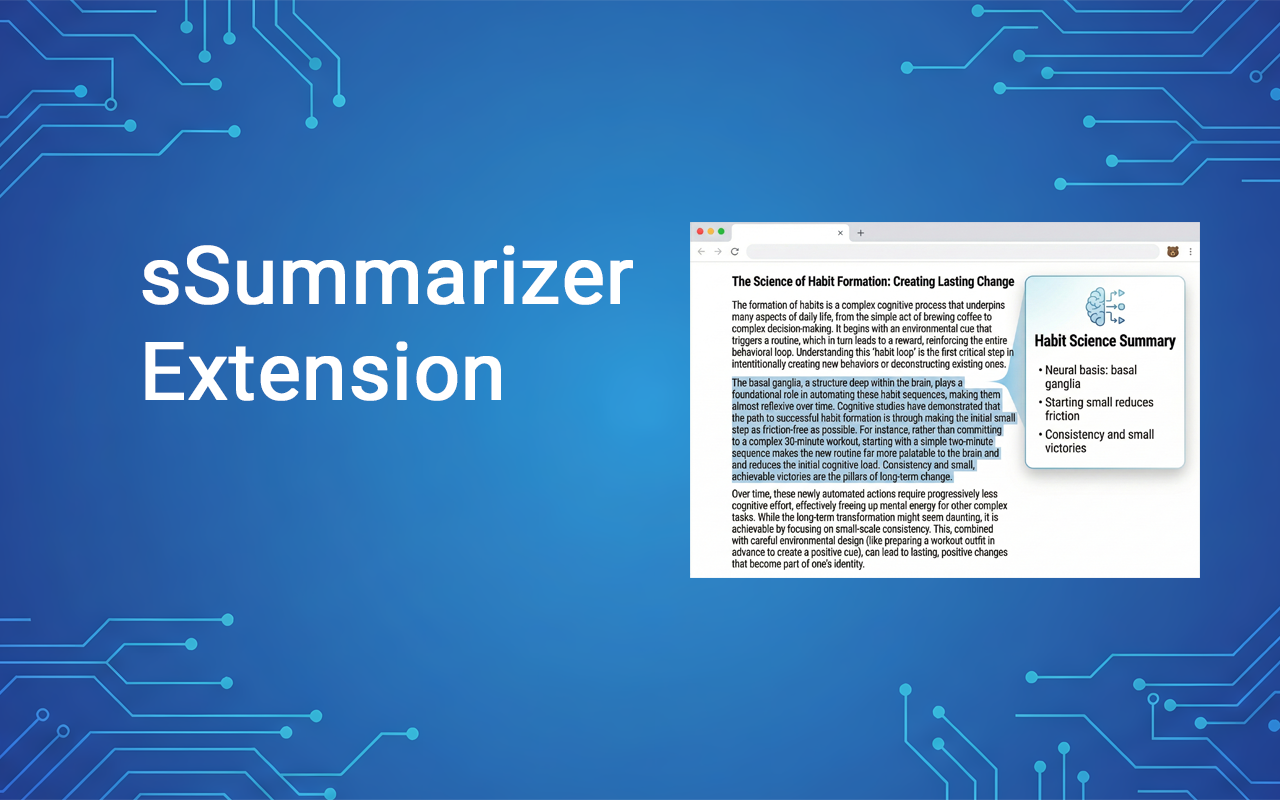
The web is noisy. You click an article, 4,000 words. YouTubers include sponsor and filler content. Check a Reddit thread, 200+ nested comments. sSummarizer cuts through the noise. One click turns any page into a clean, readable summary.
sSummarizer is a lightweight, browser-native extension that runs entirely on your device. It uses a custom content extractor to identify the main body of text, video transcripts, or nested comment structures, then sends that context directly to your chosen AI provider for an accurate, high-quality summary.
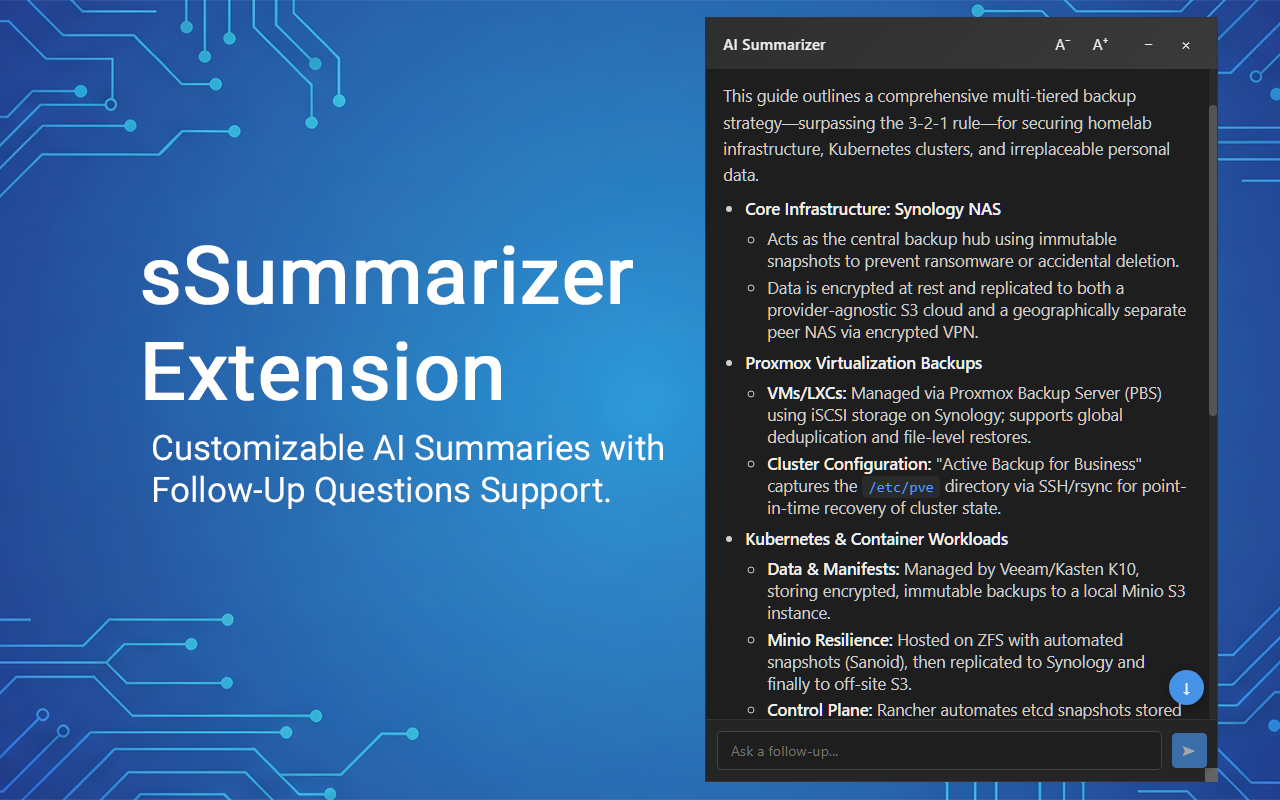
Connect directly to your favorite AI models like OpenAI, Claude, Gemini, OpenRouter, or Perplexity and watch the summary generate in real-time. Keep the conversation going by asking follow-up questions directly in the extension!
Key Features
- Multi-Platform Support: Summarize web pages, news articles, YouTube videos, and Reddit threads.
- AI Provider Choice: Connect directly to your favorite AI models like OpenAI, Claude, Gemini, OpenRouter, or Perplexity.
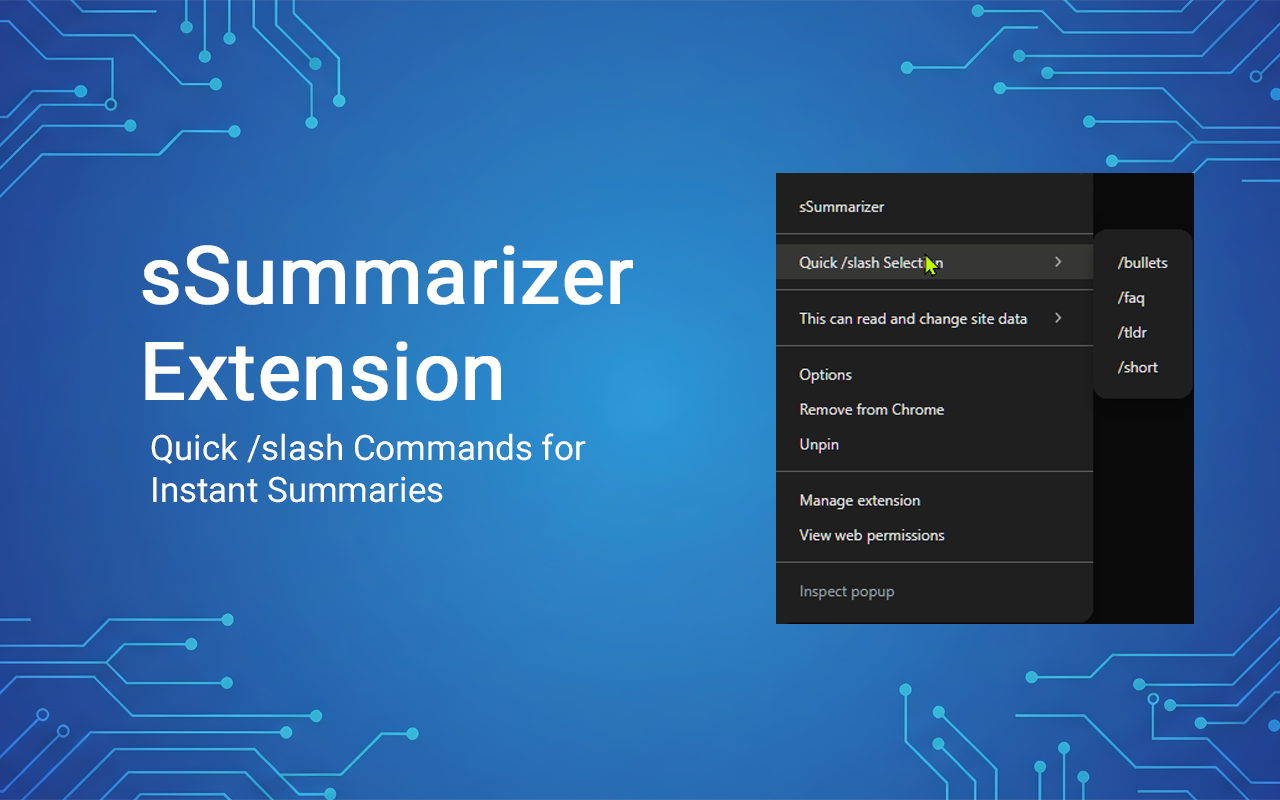
- Custom Slash Commands: Create and save personalized shortcuts like
/tldror/faqthat customize how the AI responds. - Quick Slash Selection: Choose from your saved commands to instantly generate the summary in your preferred style.
- Interactive Chat: Keep the conversation going by asking follow-up questions!
- Streaming Support: Watch the summary write itself in real-time.
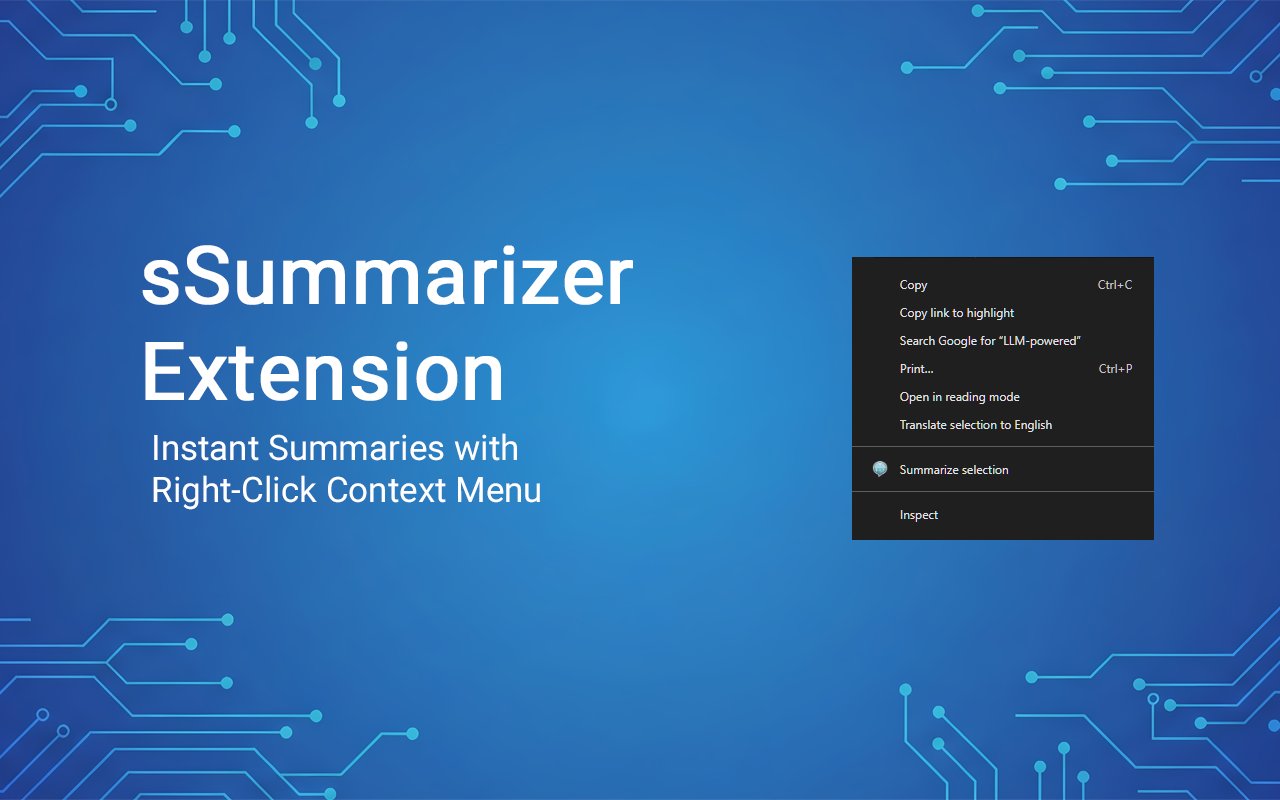
- Context Menu: Highlight any text on a page, right-click, and easily summarize just that specific part.
Supported AI Providers
sSummarizer connects directly to your favorite AI providers. You provide your own API key—we don't markup AI costs or act as a middleman.
- OpenAI: GPT-5.2, GPT-5.3-Codex, etc.
- Anthropic: Claude 4.6 Opus, Claude 4.6 Sonnet, etc.
- Gemini: Gemini 3.1 Pro, Gemini 3 Flash, etc.
- OpenRouter: Access to dozens of models from various providers
- Perplexity: Sonar, Sonar Pro, Sonar Reasoning Pro or Sonar Deep Research
Configure your AI provider directly in the extension options page to get started. Many providers offer free tiers!
Extension Preview

Installation & Setup
Option 1: Chrome Web Store (Coming Soon)
This extension will be available on the Chrome Web Store soon. Check back for updates!
Option 2: Install from Source (Developer Mode)
- Download or clone the repository from GitHub
- Open Chrome and navigate to
chrome://extensions/ - Enable "Developer mode" using the toggle in the top right corner
- Click "Load unpacked"
- Select the directory where you downloaded/cloned the extension
- Click the extension icon and select "Options" to configure your API settings
Configuration
- AI Provider: Choose from OpenAI, Claude, Gemini, OpenRouter, Perplexity, or Custom
- API Key: Your authentication key from the chosen AI provider
- Model Name: Specify which model to use (e.g.,
gpt-5.2,claude-4.6-sonnet-latest) - System Prompt (Optional): Custom instructions for the AI to follow
- Click "Test Connection" to verify your settings
- Click "Save" to store your configuration
How to Use
For Web Pages & Articles: Navigate to any webpage and click the extension icon. The extension will extract the text content and generate a summary in a floating window.
For YouTube Videos: Open any YouTube video page and click the extension icon. sSummarizer will automatically pull the transcript from the current video and summarize it based on your prompt.
Slash Commands: Type a slash (/) in the input to quickly select configured prompts
like /tldr or /faq and customize the summary style.
Interactive Chat: After the initial summary completes, you can continue the chat to ask follow-up questions, request deeper explanations, or clarify specific parts of the text.
Window Controls: Drag the title bar to move the window, use A⁺/A⁻ buttons to adjust font size, click − to minimize, or × to close.
Privacy Policy
Data Collection
sSummarizer does not collect, store, or transmit any personal data.
Storage
API keys and model preferences are stored using Chrome's storage API. This data:
- Never leaves your browser
- Is only used for authentication
- Can be cleared by uninstalling
Permissions
- activeTab: Extract content for summary
- scripting: Apply extraction logic
- storage: Save API keys and settings
- contextMenus: "Summarize selection" feature
Third Parties
Content is sent directly to your configured AI provider. No other third-party services are used.
Technical Details
| Version | 1.4 |
| Manifest Version | V3 |
| Permissions | activeTab, scripting, storage, contextMenus |
| Type | Original |
| Status | Active (v1.4) |